Day/Night Theme Toggle
Creating a delightful day/night theme toggle animation
Overview
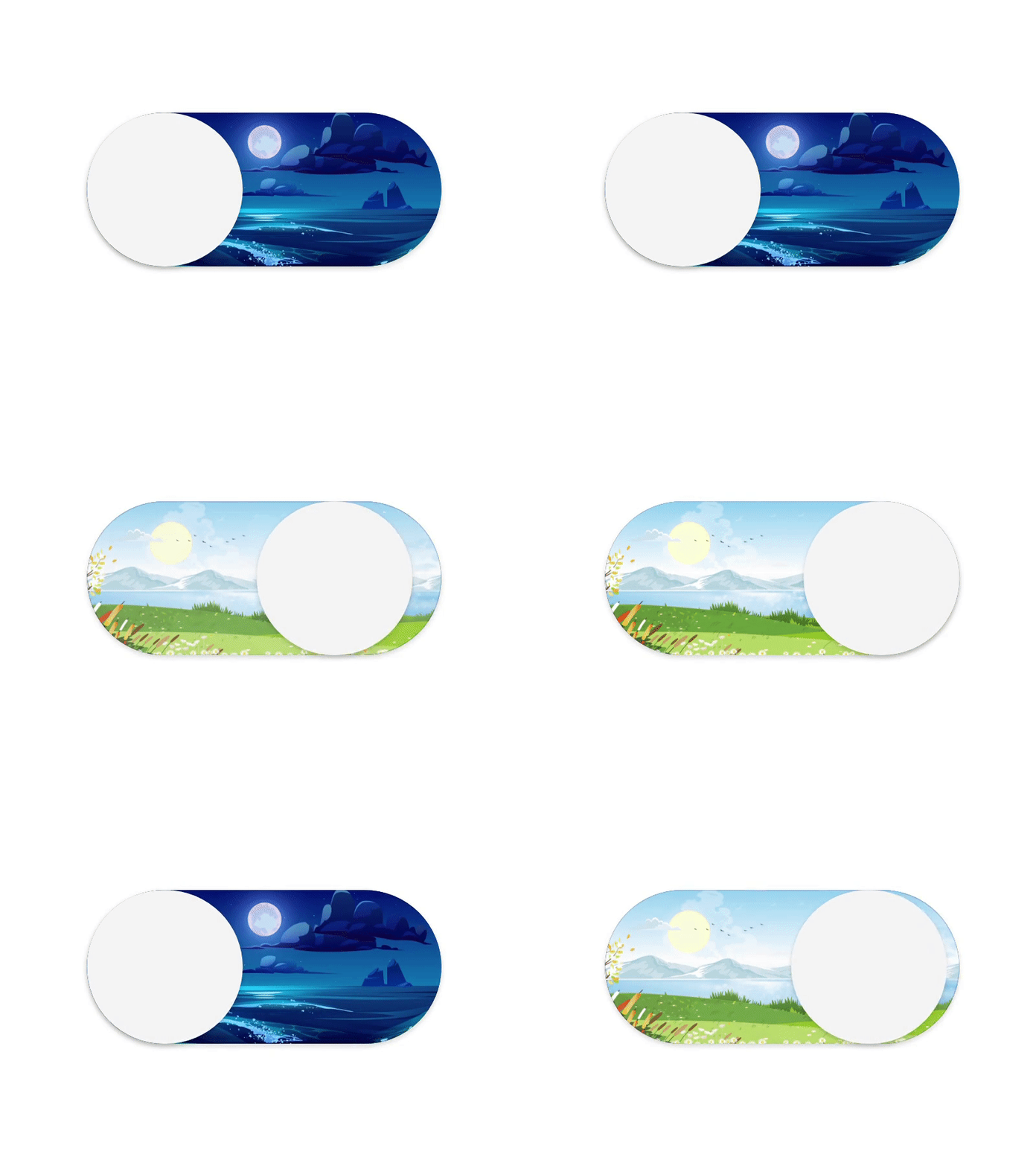
Most dark mode toggles are a checkbox or a sun/moon icon swap. They work fine, but I wanted something with more personality for this site. I came across Suhad M's day/night toggle on Dribbble and immediately wanted to build it — a little animated scene that shifts between day and night as you flip themes.
Component Structure
The toggle breaks down into three layers. First, the switch itself — a sliding knob that moves left/right. On top of that, a glow effect that fades between warm sunlight and cool moonlight. And behind everything, the background scene that crossfades between a daytime beach and a nighttime one.
Stacking them this way means each piece can animate independently. The knob slides, the glow shifts color, and the scene crossfades all at slightly different rates, which makes the whole thing feel less robotic than if everything moved in lockstep.
The Animations
Here are the three pieces isolated so you can see what each one does on its own:
Background Scenes
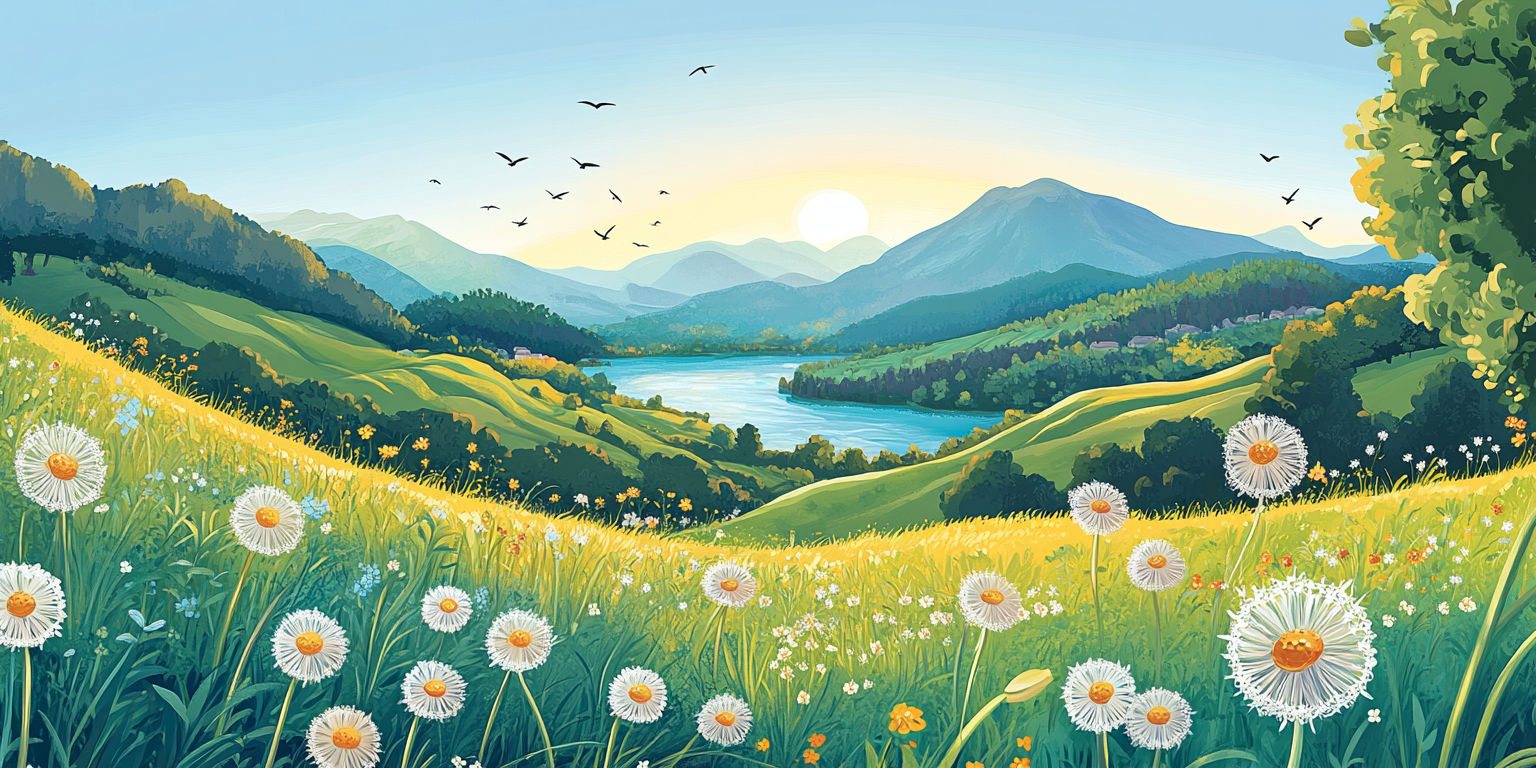
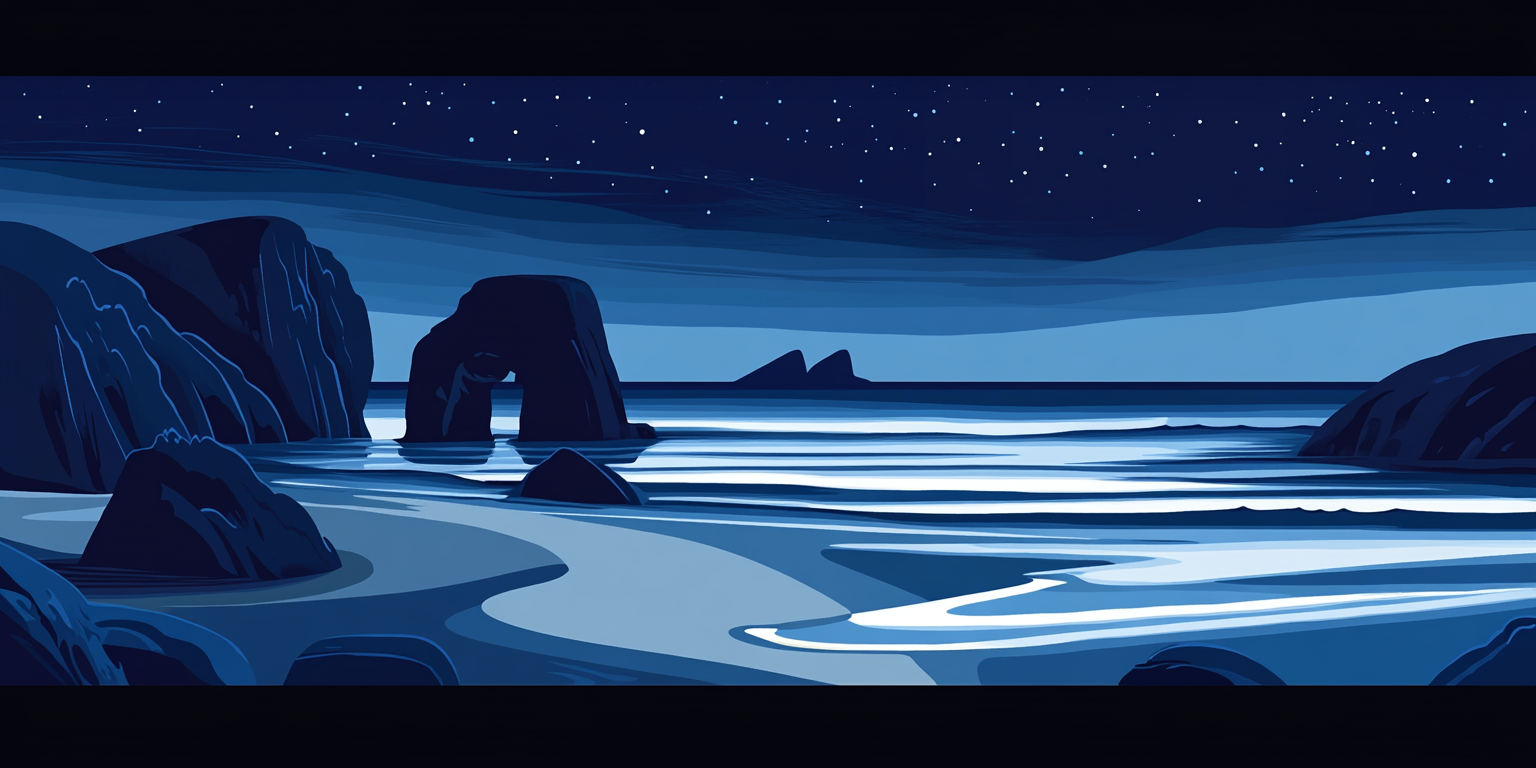
The two background images do most of the heavy lifting visually. Same beach, different time of day — warm palette for light mode, cool blues and purples for dark.
Accessibility
A fancy toggle is useless if people can't actually use it. The ARIA label updates dynamically so screen readers announce the current state, and you can toggle it with space or enter. Both themes keep contrast ratios high enough to be readable, and the state change is communicated through motion and scene change, not just color.
Try It Yourself
Click it or hit space/enter. It also controls the actual site theme, so what you see here is the real thing.